
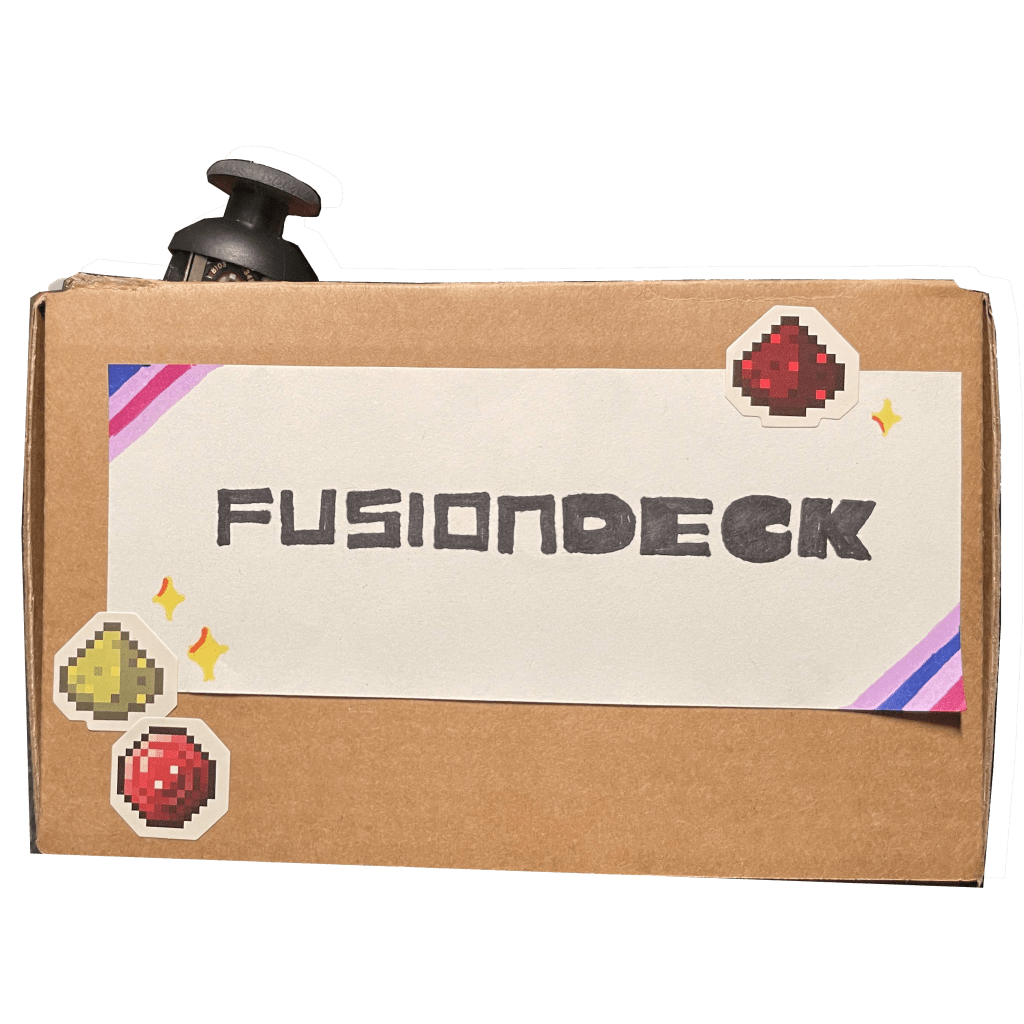
‘Fusion
Deck’
Time Length:
3 Weeks, including proposal and construction of the final product
Tools
- Figma /Figjam
- Tinker CAD
- Adruino IDE
- Dremel DigiLab 3D Slicer
Team Members:
- Emily Chau,
- Rathesa Kodeeswaran,
- Clara Mendiola,
- Olga Steblyk (Me)
- & Joshua Yang
What is
‘Fusion Deck’?
Uniting concepts of Somatic Design and the ‘Internet of Things’ in order to to be used to improve the user experiences of a new or exisiting product or service. Fusion Deck enables users to access their devices utilizing the combination of a computer mouse and keyboard as a one handed device.
Objective
“Combining and intervolving somatic design and Internet of things with UX problems to positively improve and reimagine interactions with existing products or services.“
Mix of Concepts
Somatic Design
Building towards design that impact the bodily sense for the intended user experiences, targeting sight, sound, movement and touch. This intertwines the more physcial properties that a product or services may have and to build the proper UX for it. Appling to sense such as sight, sound, movement and touch!
Internet of Things
Breaking down how technology communicates with one another, the internet of things expands on the concept how electronics work in conjunction with the internet, both impacting each other simultaneously.
Scopes & Constrains
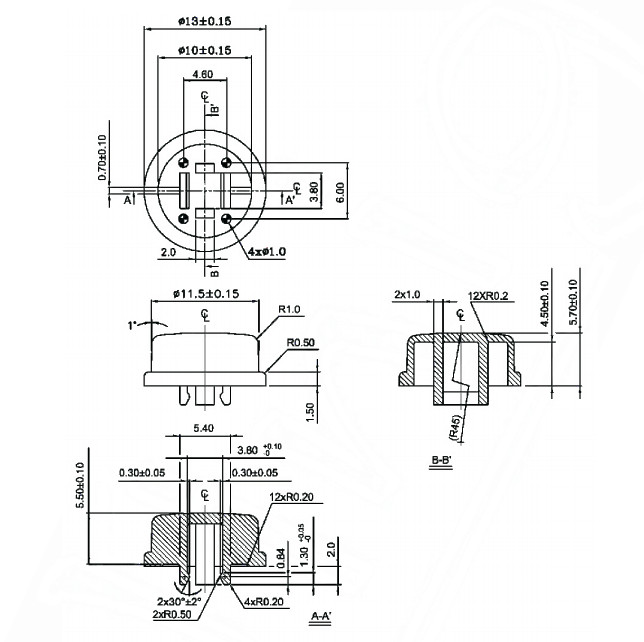
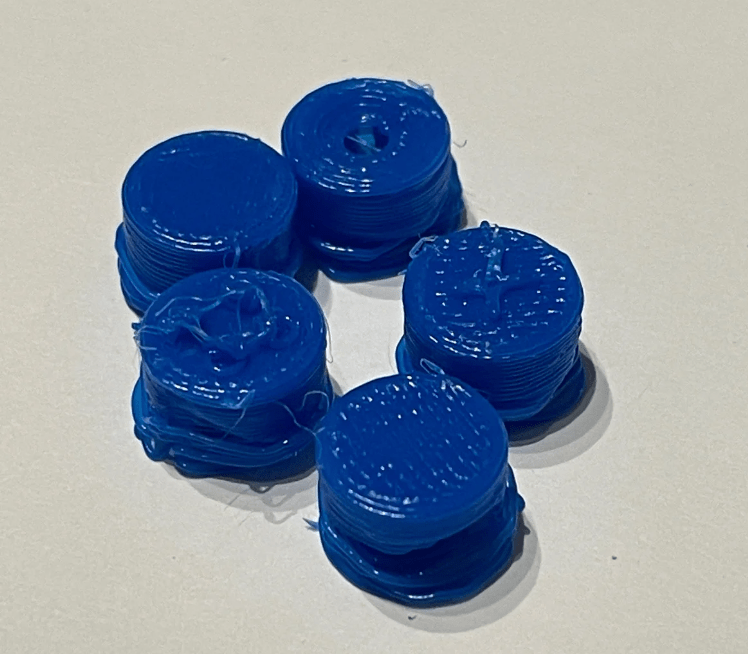
- 3D Printing; Some aspects of the product needed to be 3D printed but the accessible printer could not print to the quality needed.
- Technological Limitations; Surprisingly, the hardest part to work out were the buttons as the circuit and code did not want to co-operate
- Budget; A part of this project, a Bluetooth device was needed which was not in the scope of the project or budget of university students
The Process
inspired by the ‘science of fidgeting‘…
Before the addition of IoT, our first initial idea came from a sensory mat to fidget with, this came up when trying to think of ideas was stressful, each team member had a different way to keep that down, which was through fidgeting.
With further research into the science of fidgeting, we discovered that the ‘clickyness’ of keys was linked to a satisfying feeling that would help the users still stimulate parts of the brain white still holding focus.
understanding boredom
Starting research and referencing literature opens a discussion into fidgeting and concentration, talking about how feelings of boredom and restlessness arise as well as dealt with.
‘Fidgeting’
The research1 regarding ‘fidgeting’ highlighted but also confirmed how the participant’s concentration was better focused and held when they were able to commit to a mildly stimulating physical task such as ‘fidgeting’ or ‘doodling’. It was noted that the participant’s behaviour was calm but also focused on what was going on.
‘Ergonomics’
More literature2 was found in support of ergonomics, regarding repetitive tasks causing an increase in wrist pain and disorder with frequent extended mouse use such as in an office setting. The source offered alternatives that would be there to provide better physiological such as a trackball as well as a joystick.
Ideation
With many concepts to incorporate, we decided to map out many different aspects of a wide range of items. We included possible sketch of what it can look like and include; for a finalized list of what we would include, we used the materials at hand to create the tool.
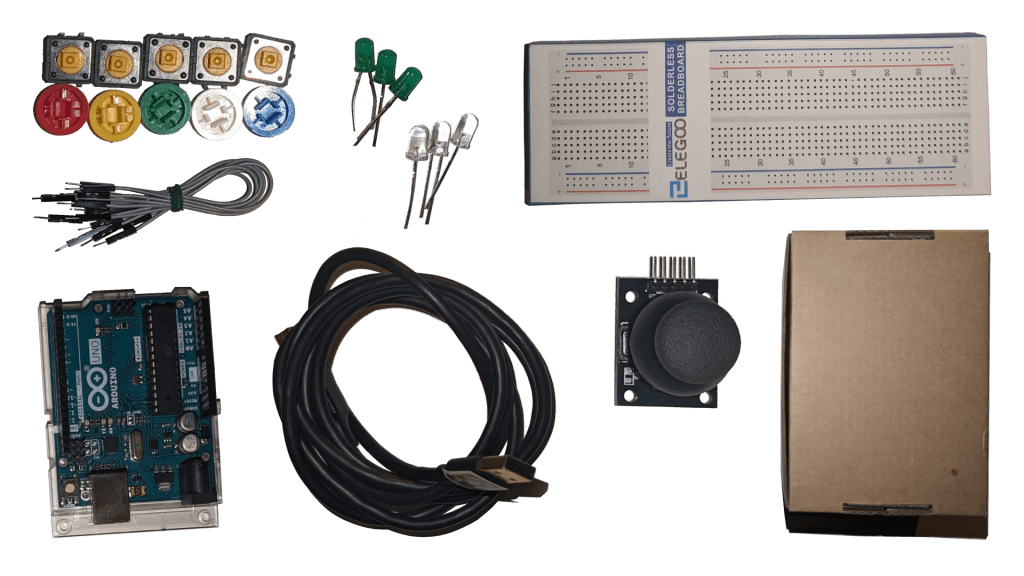
Materials Used:
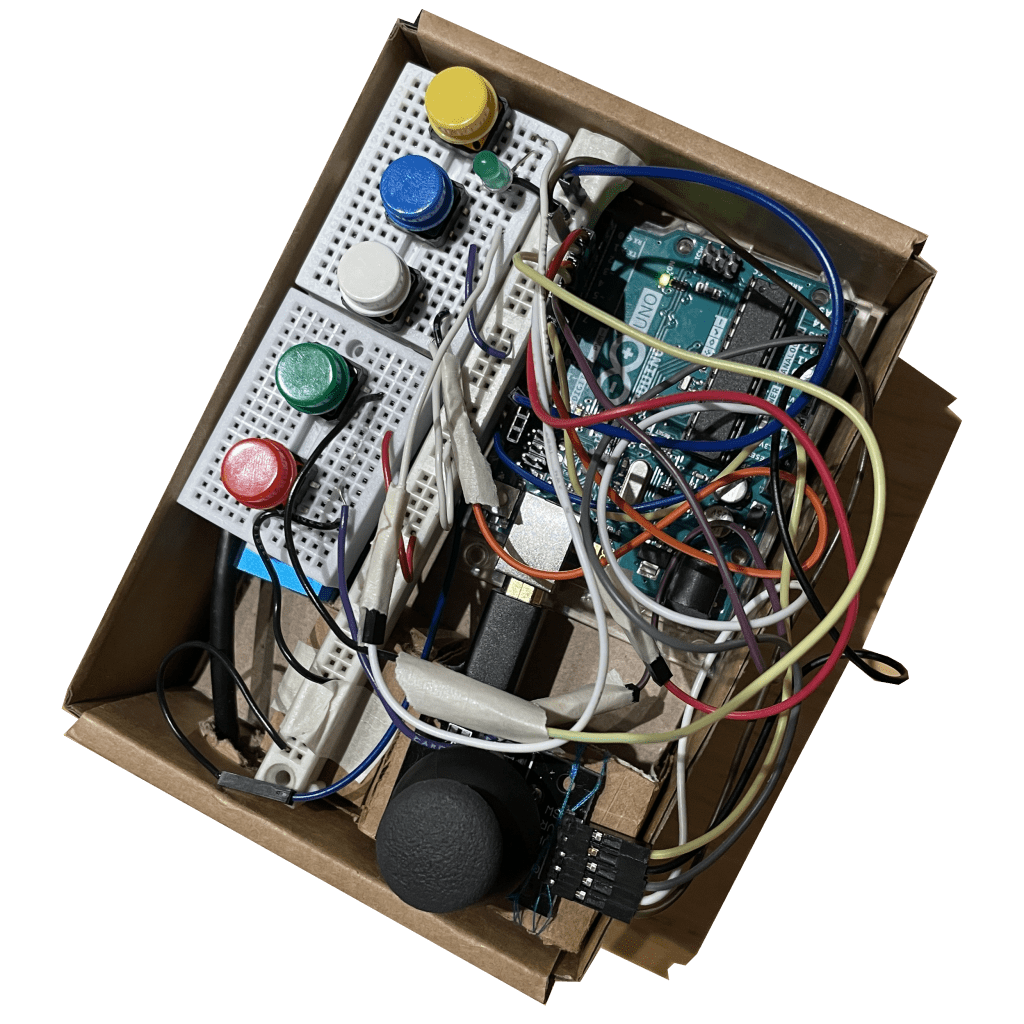
- 1 Joystick
- 5 Buttons
- 5 Different Button Caps
- BreadBoard & Jumper Wires
- Arduino Uno
Making
The making phases had many up and downs such as concepts that were thought to be difficult were proved to be easy but also in reverse as in presumed easy tasks were easy but were sadly not the case.
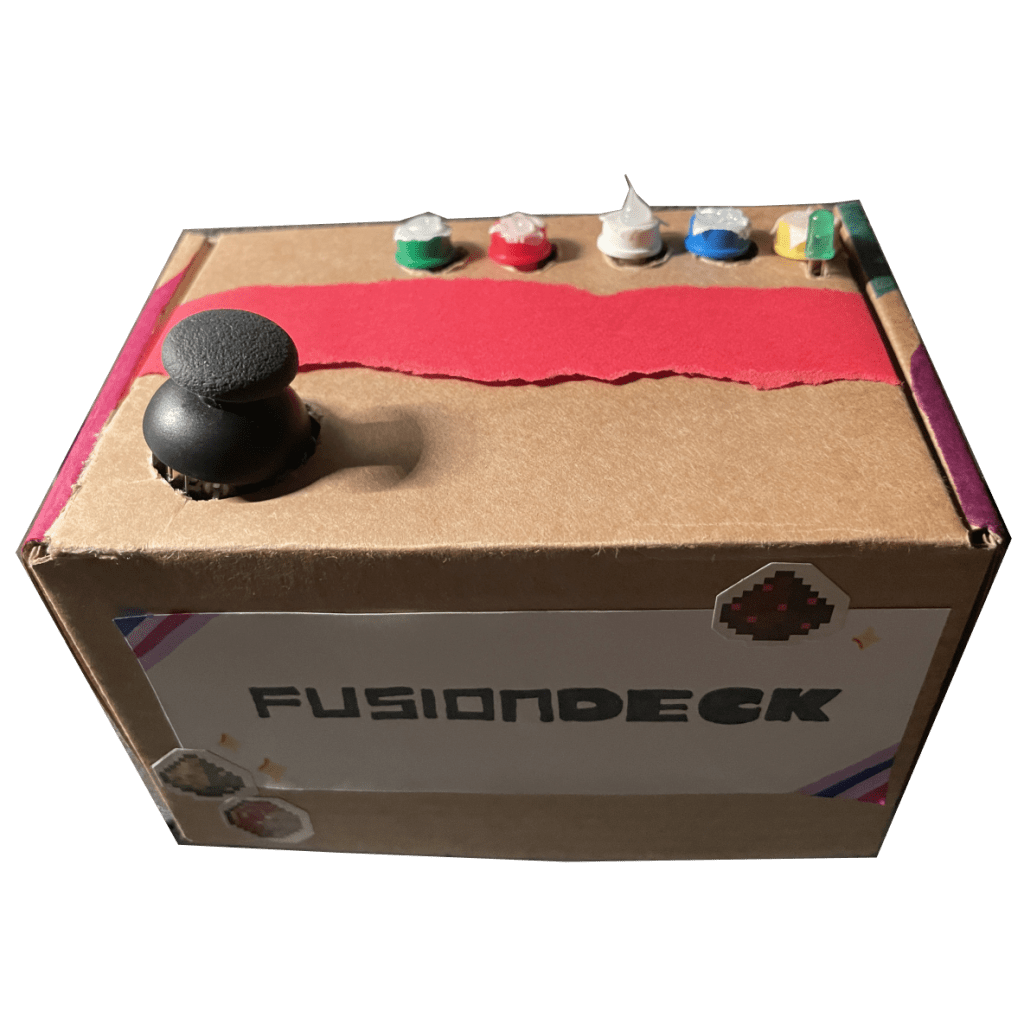
In the end, the components fit and were in the box to show to people what our concept can look like but also used in practice.
Coding
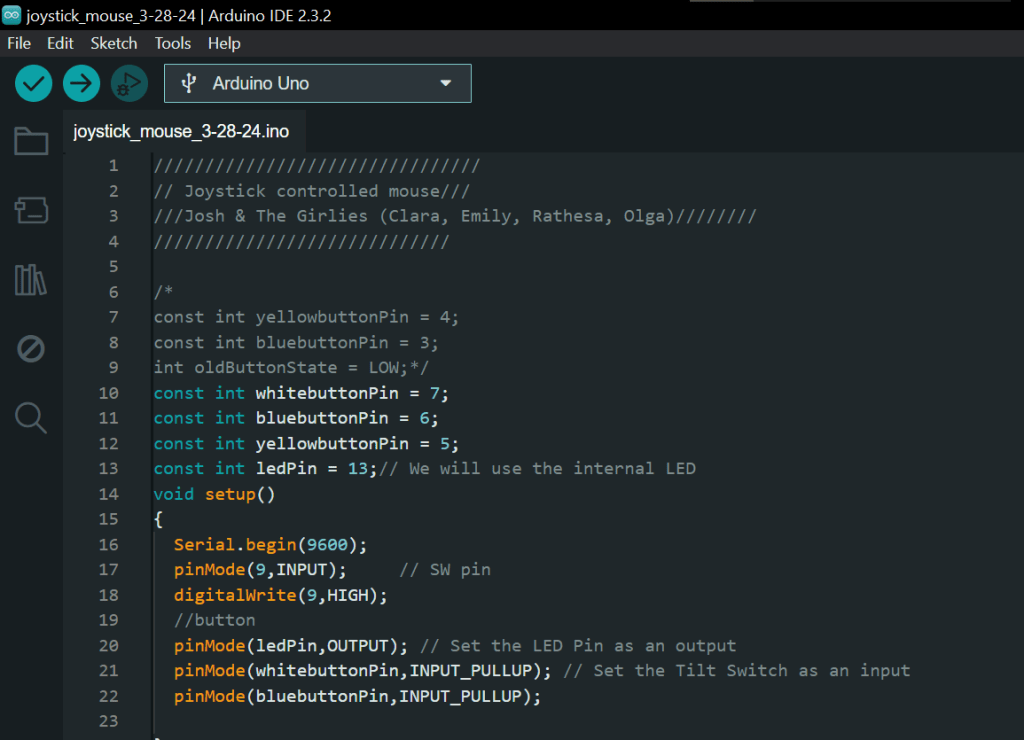
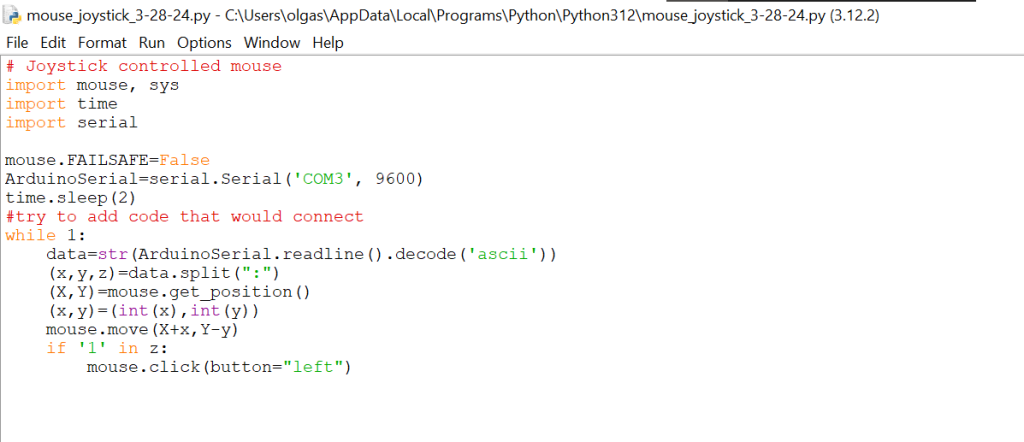
The coding aspect of the project was to have the joystick interact with the computer, such as movement of the joystick would also move the cursor with the co-responding direction. With the joystick being compatible with the Arduino, the coding process utilized both the ‘motherboard’ connection while the interactivity came from the python code and the ‘host computer’s’ device manager.
Arduino Code
Python Code
3D-Printing
We wanted to use the 3D Printer to create the haptic features that would indicate each button by touch, however the 3D printer was unsuccessful to print to the very fine lines of the buttons created. Our team’s alternative was to create those haptic feature with glue gun and craft skills.
Sharing
When presenting the product to the audience, people wanted to fiddle with the project and tool, the same way when typing on a keyboard or playing with a controller. Overall, the impression from the audience was postive and many received the project positively!
Reflection
In this design project journey, for me, it allowed to explore a more physical interaction that people have with technology and how to build something that can be used by everyone or try to. The step foward to explore how engagement works with other products as well as more broad and open thinking how a tool can be used, because I am sure people can find additional uses of a tool that the team or I may have never thought it.
- Karlesky, Michael, and Katherine Isbister. “Understanding fidget widgets: Exploring the design space of embodied self-regulation.” Proceedings of the 9th Nordic Conference on Human Computer Interaction. 2016, pp. 1-10.
https://dl.acm.org/doi/abs/10.1145/2971485.2971557 ↩︎ - Government of Canada. “Office Ergonomics – Computer Mouse – Selection and Use.” Canadian Centre for Occupational Health and Safety, 2011, pp. 1-5. www.ccohs.ca/oshanswers/ergonomics/office/mouse/mouse_selection.pdf ↩︎
 Olga Steblyk